
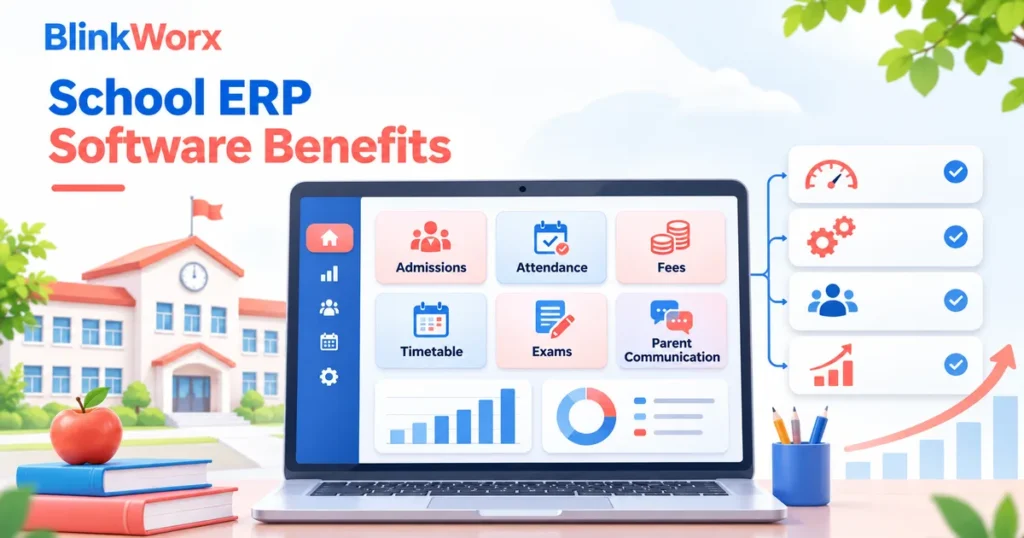
If your school still depends on spreadsheets for admissions, fees, attendance, timetable changes and parent communication, you are likely already feeling the limits. School ERP software benefits usually show up first as time saved, fewer errors and better visibility. As the school grows, spreadsheets often become harder to control, harder to verify and harder to use across teams. An ERP system helps bring core operations into one connected workflow.
Why spreadsheets stop working at scale
Spreadsheets can work for early-stage operations or isolated tasks, but they become fragile when multiple departments need the same data. One version of a fee sheet may differ from another. Attendance records may sit in one file, admissions data in another and timetable updates somewhere else. That creates duplication, delay and confusion.
The problem is not spreadsheets themselves. The problem is using them as a system when the school actually needs role-based access, live records, auditability and workflow control.
Signs your school has outgrown manual processes
Most schools do not decide to adopt ERP software because of one dramatic issue. The need usually appears through repeated operational friction. Teams spend too much time checking data, parents complain about delayed updates and management does not have a clear view of what is happening across functions.
- Admissions follow-ups are hard to track consistently.
- Fee collection requires repeated manual reconciliation.
- Attendance reporting is delayed or inconsistent.
- Timetable changes take too long to communicate.
- Parent communication is spread across multiple channels with no clear record.
- Reports for management require manual compilation every time.
School ERP software benefits that matter most
The core school ERP software benefits are operational clarity and process control. Instead of every team maintaining separate files, an ERP brings data into one environment with defined roles and workflows. That reduces duplicate entry and makes it easier to trust the information being used.
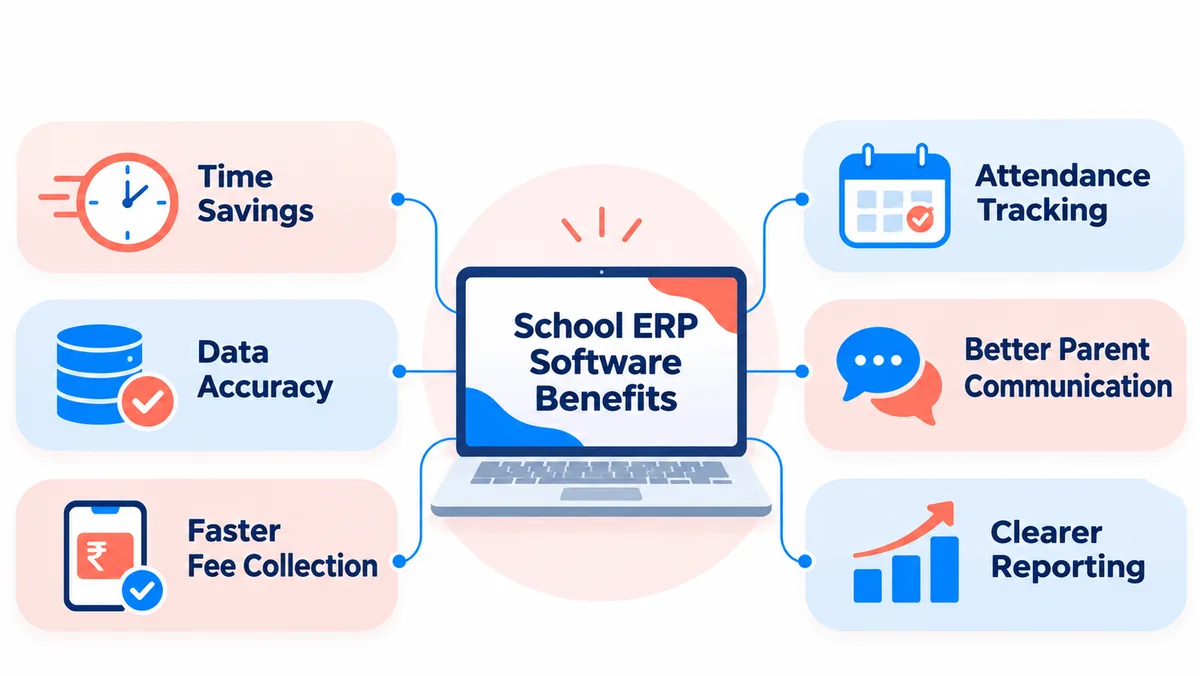
Schools also benefit from faster fee processing, structured admissions pipelines, easier attendance tracking and clearer reporting. For parents, the value often appears in faster communication and more predictable processes. For leadership, the value appears in visibility, accountability and less manual follow-up.
| Area | Manual approach | ERP benefit |
|---|---|---|
| Admissions | Follow-up in sheets or notebooks | Structured enquiry and application tracking |
| Fees | Manual lists and reconciliation | Centralised records and faster collection visibility |
| Attendance | Class-wise sheets and delayed summaries | Live or streamlined tracking and reporting |
| Timetable | Frequent manual edits and re-sharing | More controlled updates and reduced conflict |
| Parent communication | Scattered messages | Central communication and clearer records |
| Reports | Compiled manually each time | Faster access to organised data |
What modules schools should prioritise first
Not every school needs to roll out every module on day one. Start with the functions that cause the most friction. In many schools, that means admissions, fee management, attendance and parent communication. Once those are stabilised, timetable, exam, report and document management can follow in a structured way.
A phased rollout also helps staff adapt to the new process. Schools get better adoption when teams can see immediate gains in the areas they struggle with most.
How to choose the right ERP approach
The right system is not only about the number of features. It should match the size, workflow and reporting needs of the school. Consider how admissions are handled, how parents are currently updated, what approvals are needed and which reports leadership depends on. A solution that looks good in a demo but does not fit your day-to-day process can create resistance quickly.
Ease of use matters as much as functionality. Administrators, teachers and office teams need a workflow that is simple enough to use consistently. Without adoption, even a feature-rich system underperforms.
Rollout mistakes to avoid
One common mistake is trying to digitise every existing process exactly as it is, even when the process itself is inefficient. Another is failing to clean data before migration. If old records are inconsistent, the new system inherits the same problems unless the team prepares carefully.
Training also matters. Teams need role-specific guidance, not only a one-time overview. The school should also decide in advance who owns each process and who approves changes once the ERP goes live.
When to start the transition
If management is already spending too much time asking for basic operational updates, that is often the right moment to review systems. Growth periods such as admission season, multi-branch expansion or increased compliance reporting usually make ERP gaps even more visible.
If your school is exploring a more structured system, BlinkWorx eSchoolApp ERP solutions can help you evaluate modules, phase the rollout and reduce the friction caused by spreadsheet-heavy administration.
It is also worth reviewing qualitative feedback. Teachers, administrators and parents often reveal process improvements that are not obvious in a spreadsheet of metrics. A school that measures both efficiency and user experience will usually get more value from the ERP over time.
Schools should define success measures early. Useful indicators may include time taken to process admissions, turnaround time for fee reconciliation, speed of attendance reporting, reduction in repeated parent queries or the effort needed to prepare management reports. These metrics make the impact of ERP adoption more visible.
How to measure success after implementation
Staff preparation is equally important. Different users need different levels of training, and they need to understand not only which buttons to click but also why the new process is better. When teams see how the ERP reduces repeat work and confusion, adoption tends to improve significantly.
A strong ERP rollout is not only a technology project. It is also a data and change-management project. Before going live, schools should clean student records, standardise categories and decide how historical data will be handled. If this preparation is skipped, the new system can inherit the same inaccuracies that existed in older files.
Data migration and staff preparation matter
Clearer data also helps with accountability. Leadership can identify where delays occur, which processes need attention and which teams need support. Instead of asking staff to prepare a new spreadsheet every time a question arises, the school can rely on more consistent records and faster access to key information.
One of the less discussed advantages of ERP adoption is better decision support for school leaders. When admissions, fee records, attendance trends and operational reports are organised properly, management spends less time gathering information and more time acting on it. This is especially helpful when the school is growing, managing multiple sections or reviewing performance regularly.
How ERP improves decision-making for leadership
FAQ
Are spreadsheets always bad for school administration?
No. Spreadsheets can still be useful for one-off analysis or limited internal work. The problem begins when they are used as the main operating system for admissions, fees, attendance and communication. At that stage, version control, speed and visibility usually become weak points.
Which school ERP modules should be implemented first?
Many schools begin with admissions, fee management, attendance and parent communication because these usually create the highest day-to-day workload. The exact order depends on where your operational friction is greatest and which functions affect parents and management most directly.
How do school ERP systems help parents?
Parents usually benefit from faster updates, clearer communication and more predictable processes. When information is organised better internally, the school can respond more consistently on fees, attendance, announcements and day-to-day administrative matters that parents care about.
Can a school adopt ERP software in phases?
Yes, and in many cases that is the smarter path. A phased rollout reduces pressure on staff, allows cleaner data migration and lets the school see early wins before expanding. It also makes training easier because teams can focus on the most critical processes first.
What should school leaders ask before selecting an ERP vendor?
Ask about modules, role permissions, reporting, data migration, onboarding, support and how the system will adapt to your process. It is also worth understanding whether the rollout will be phased, who will train staff and how changes will be handled after implementation.
Key takeaways
- School ERP software benefits become more visible as manual coordination grows harder.
- Repeated spreadsheet fixes often signal a process problem, not just a file problem.
- Start with the modules that create the biggest operational bottlenecks.
- A phased rollout, clean data and proper training improve adoption significantly.
Is it time for a school ERP?
For schools that have reached the limits of manual coordination, school ERP software benefits go beyond convenience. They support better visibility, faster execution and a more dependable administrative experience for staff, leadership and parents. The right ERP should simplify work, not add another layer of complexity.
Talk to BlinkWorx
If you would like help choosing or building the right solution, contact BlinkWorx for a free consultation. You can also contact us here or message us on WhatsApp.