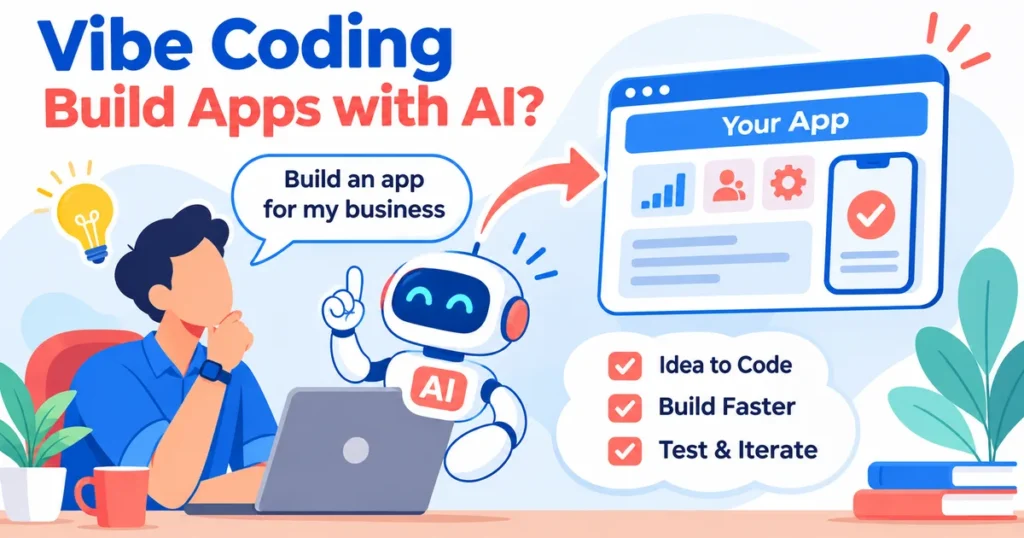
Vibe coding lets you describe an app in everyday language and ask an AI coding tool to generate the software. Yes, AI can build a working prototype and sometimes a usable application. But a convincing demo is not automatically a secure, reliable product. For founders and business owners, the useful question is not whether AI can produce screens. It is whether the resulting app can protect customer information, handle real transactions, and keep working as your business grows.
What Vibe Coding Actually Means
Vibe coding is a conversational approach to software creation. Instead of writing every line yourself, you tell an AI assistant what you want, inspect its output, and request changes in plain language. The assistant may generate interface components, database queries, application logic, and tests.
From a prompt to a working screen
A founder might say, “Create a booking dashboard with customer profiles, appointment slots, and email confirmations.” The tool can propose a project structure and generate screens. The founder then asks it to change the layout, add a cancellation option, or connect a data source.
This loop can feel like collaborating with a developer, but the AI does not automatically understand your business rules. “Allow cancellations” leaves unanswered questions about deadlines, refunds, staff permissions, and notification failures. Those decisions still belong to the business.
Vibe coding versus AI-assisted development
In casual vibe coding, a person may accept code primarily because the result looks right. In disciplined AI-assisted development, engineers inspect changes, run tests, verify assumptions, and maintain the system. The same AI tool can support either approach. The difference is how much evidence stands behind the finished application.
How AI Turns Business Instructions Into Software
Modern coding assistants interpret prompts using patterns learned from code and documentation. Some can examine existing repositories, edit multiple files, execute development commands, and suggest fixes. Their ability depends on the tool, its permissions, and the project context.
What happens after you describe an app
First, the tool translates your request into likely features and technical components. It generates user-interface code, may configure data storage, and connects actions such as submitting a form to backend behavior. You preview the result, report problems, and ask for adjustments.
A simple contact manager could begin with customer records and a search field. Additional prompts might add follow-up reminders, role-based access, and import options. Each change introduces dependencies that the initial prompt may not have anticipated.
Why a polished interface can be misleading
A button can appear to work while its underlying action fails silently. A payment screen may display success without correctly handling failed payments. A dashboard may show sample data instead of enforcing access rules. Visual quality proves little about database integrity, reliability, or security.
GitHub’s documentation explains that AI coding agents can implement tasks and prepare changes, but human review and approval remain essential: GitHub’s documentation on Copilot
Which Apps Are Good Candidates for Vibe Coding?
The best starting projects have limited scope, straightforward workflows, and low consequences if something breaks. Early experiments can help founders explain ideas to investors, collect feedback, or compare different product directions before commissioning deeper engineering.
Practical uses for founders
An internal calculator, interactive product demo, basic content tool, or mock customer portal can be useful. A lightweight proof of concept can demonstrate a workflow without pretending that all its underlying systems are ready for customers.
A prototype for appointment scheduling might show the customer journey and let a team evaluate the booking experience. Before launch, however, it would need dependable availability checks, access controls, and handling for simultaneous bookings.
When a prototype is not enough
Applications involving sensitive personal information, financial transactions, healthcare records, complicated integrations, or many user roles require stronger assurance. AI may still accelerate development, but experienced engineering, security review, and ongoing maintenance become central.
| App idea | AI-first starting point | What needs extra attention |
|---|---|---|
| Landing-page calculator | Interactive prototype | Correct formulas and accessibility |
| Internal task board | Limited team pilot | Permissions and data backups |
| Customer booking app | User journey prototype | Double bookings and notifications |
| Subscription platform | Screen and workflow demo | Billing, account security and recovery |
| Multi-tenant business software | Architecture exploration | Tenant isolation, audit trails and scaling |
Where AI-Generated Apps Can Go Wrong
The biggest risk is treating generated code as verified code. AI can write a plausible implementation that misses important edge cases or includes dependencies that are unsuitable for the project. Problems may emerge only when real users interact with the app in unexpected ways.
Security and privacy gaps
An application must protect passwords, session tokens, private records, and administrative functions. Generated code may accidentally expose secrets, trust unvalidated inputs, or give users access to records they should not see. Security is not a cosmetic feature added after the interface is finished.
The OWASP Secure Coding with AI guidance recommends restricted agent permissions, careful handling of credentials, and human accountability for AI-generated changes: OWASP’s guide to secure coding with AI
Reliability and hidden complexity
An app may work with a few sample records but slow down with larger datasets. Integrations may fail when an external service is unavailable. Small prompt-driven fixes can introduce regressions elsewhere. Without tests and version control, each improvement can make the system harder to understand.
Ownership and maintenance
Before relying on a generated application, confirm who controls the source code, database, hosting account, domain, and deployment process. Check whether another developer could maintain it without access to the original AI conversation. Documentation, reproducible builds, and clear licensing matter long after the initial demo.
A Safer Workflow for Building an App With AI
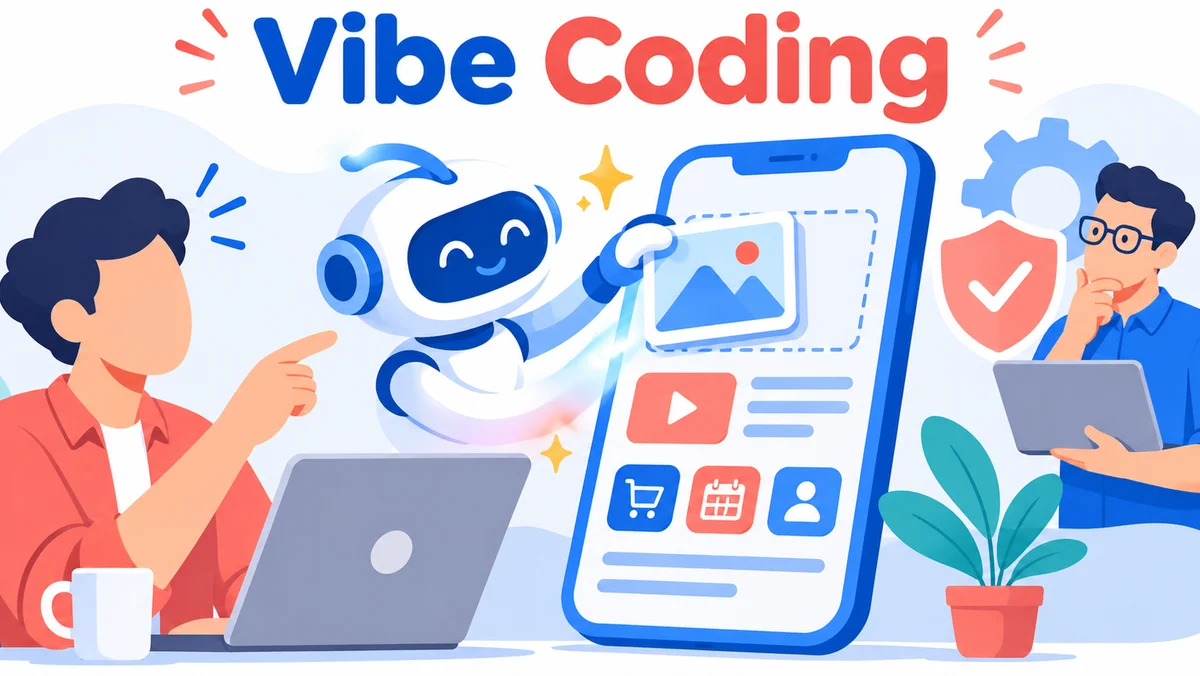
You do not need to abandon AI to build responsibly. Instead, separate experimentation from release. Let AI speed up drafts and repetitive implementation while giving important business decisions and quality checks the attention they deserve.
Start with a narrow user journey
Describe one specific user, the task they need to complete, and what success looks like. For a service booking app, define how a customer selects a slot, receives confirmation, and changes an appointment. Include failure scenarios such as unavailable slots or interrupted connections.
Keep a practical release checklist
- Define which information the app collects and why.
- Specify user roles and who can view or change each record.
- Test successful actions, invalid inputs, and interrupted workflows.
- Verify authentication, authorization, and safe storage of secrets.
- Inspect third-party libraries and their licensing.
- Set up backups, monitoring, and a rollback procedure.
- Have a qualified developer review the generated code before production use.
Use AI for iteration, not final sign-off
Ask the assistant to explain its changes, generate test cases, and highlight assumptions. Then verify those explanations independently. Automated tests help, but they cannot establish that the product meets every business, privacy, and operational requirement.
For founders who want to keep the speed of AI while building dependable software, professional custom software development services can connect prototype experimentation with engineering discipline.
Vibe Coding Versus Traditional App Development
The choice is not necessarily AI or human developers. Many teams combine AI-generated drafts with architecture, testing, deployment, and support handled by experienced engineers. The right balance depends on the consequences of failure and the intended life of the product.
Compare the approaches by business outcome
Vibe coding is attractive when you need to explore a concept quickly and are willing to discard or rebuild parts of the result. A structured development process is more appropriate when customers will depend on the application, multiple systems must exchange data, or contractual obligations apply.
AI does not remove the need to make product decisions. Someone must determine which features matter, what information is authoritative, how exceptions are handled, and when the product is ready for release. The faster code appears, the more important those decisions become.
Consider the total cost of ownership
The first working screen is only one part of the investment. Hosting, integrations, bug fixes, security updates, backups, performance work, and support continue after launch. A prototype that is inexpensive to generate may be expensive to stabilize if its foundations are difficult to maintain.
How Founders Should Decide Whether to Launch an AI-Built App
Before inviting customers, assess the app as a real service rather than a demonstration. Can you recover from a failed deployment? Can you delete or export customer data? Does each user see only the records they are permitted to access? Can you explain how payments or bookings are recorded?
Three useful release stages
Concept demonstration: Show the idea with sample information. Do not present mock actions as operational features.
Controlled pilot: Invite a limited audience, collect consent where necessary, monitor failures, and provide a support route. Keep the pilot separate from sensitive production systems when practical.
Production launch: Require appropriate security, performance, accessibility, backup, and operational checks. Establish who will respond when a critical feature fails.
Key takeaways for business owners
- Vibe coding can turn a clear description into a useful prototype.
- Attractive screens do not prove that an app is safe or reliable.
- AI works best when paired with explicit business rules and independent testing.
- Sensitive data and critical transactions require additional engineering safeguards.
- Source-code ownership and maintainability matter before launch.
- A hybrid AI-and-developer workflow can preserve speed without skipping accountability.
Frequently Asked Questions About Vibe Coding
Can someone without programming experience build an app with vibe coding?
Yes. A non-technical founder can describe features, generate screens, and test an early concept with an AI coding tool. However, understanding whether the application is secure, scalable, and maintainable requires technical judgment. For a customer-facing launch, independent developer review is strongly recommended.
Is vibe coding suitable for a startup MVP?
It can be useful for exploring a minimum viable product, especially when the goal is to validate a workflow or demonstrate a concept. If the MVP will collect personal information, process payments, or serve real customers, it needs the same essential protections as other production software.
Will vibe coding replace software developers?
AI can automate parts of implementation, debugging, and documentation, but developers remain important for architecture, integration decisions, security, testing, and long-term maintenance. The work may shift toward reviewing and directing generated code rather than manually writing every component. Business accountability does not disappear.
Can an AI-built app be scaled later?
Sometimes, but scaling depends on its architecture, database design, infrastructure, and code quality. A small prototype may need substantial changes before handling more users or complex operations. Planning for growth means checking technical foundations rather than assuming the initial generated structure will remain suitable.
Who owns the code generated by a vibe coding tool?
Ownership depends on the tool’s terms, the input materials, applicable law, and any third-party components included in the project. Founders should check export options, repository access, dependency licenses, and contractual terms. Do not assume that paying for a tool automatically resolves every intellectual-property question.
Can Vibe Coding Build Your Business App? The Practical Answer
Vibe coding can absolutely help founders move from an idea to a tangible application. Its greatest value is making experimentation faster and reducing the effort needed to explore possibilities. But a business-ready app needs more than a persuasive preview: it needs correct logic, secure data handling, testing, maintainability, and a clear support plan.
If you have an AI-generated prototype and want to turn it into dependable software, explore BlinkWorx’s custom software development services. You can also contact the BlinkWorx team or discuss your app on WhatsApp to plan the next stage.