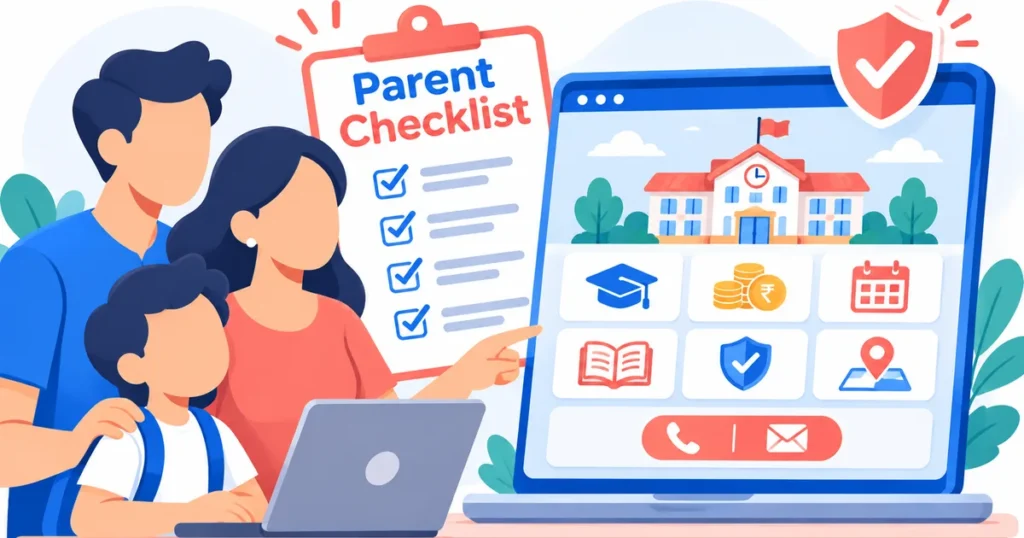
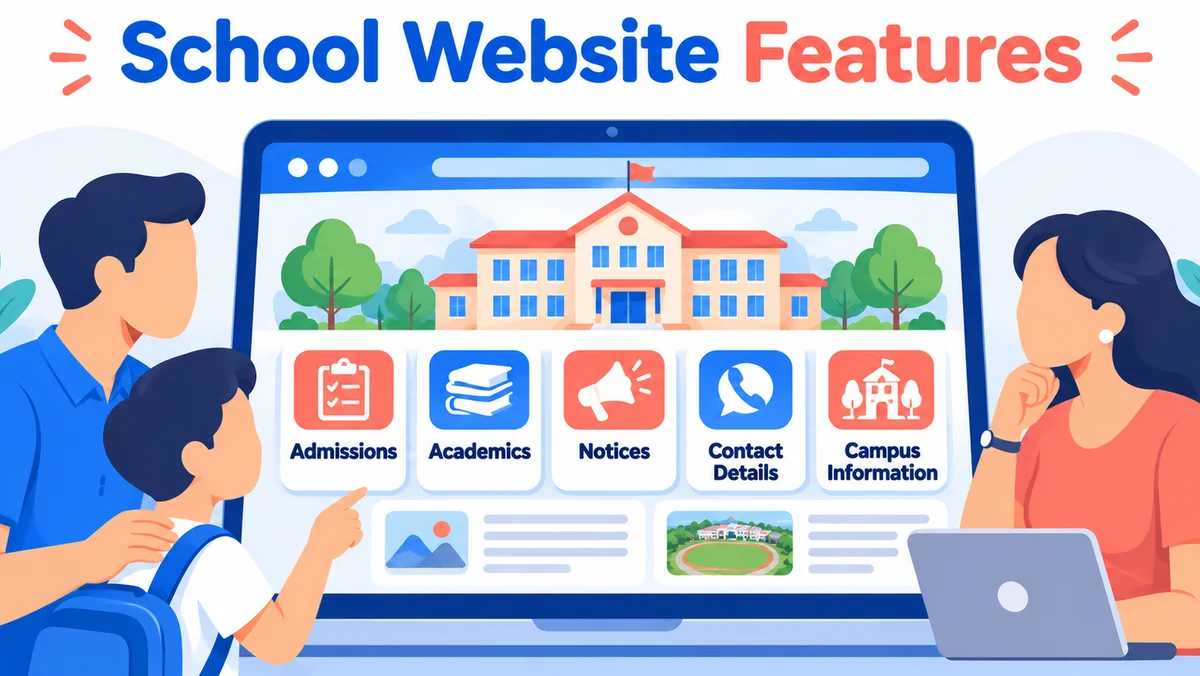
The most useful school website features answer parents’ practical questions quickly: where the school is, which classes it offers, how admissions work, what children learn, how the campus supports safety, and whom to contact. For school principals and owners in India, a clear, mobile-friendly website is more than an online brochure. It helps families decide whether to enquire, book a visit or apply. This checklist explains what to publish, where to place it and how to make every important answer easy to find.
Why parents visit a school website before contacting admissions
Parents often arrive with a specific question rather than a desire to browse every page. One family may be checking whether nursery admissions are open. Another may want the school’s affiliation details, transport routes or approach to early learning. If those answers are hidden in a PDF or buried in a long welcome message, the family may leave without contacting the school.
A useful website respects the order in which parents make decisions. First they confirm the school is relevant to their child. Next they look for evidence that the learning environment is suitable. Finally they want a simple way to speak with someone. Your homepage, navigation and admissions pages should support that journey without making visitors guess.
Make the first screen immediately useful
Show the school’s name, location, classes offered and a clearly labelled admissions action near the top. Use a genuine campus photograph where permission is available, rather than an unrelated stock image. Keep announcements about application windows current and remove outdated banners promptly. A parent on a phone should not need to zoom or scroll through several promotional slogans to find basic information.
Essential school website features for admissions and enquiries
Admissions information is often the strongest reason a prospective parent visits. Treat it as a dedicated service page, not a paragraph attached to the homepage. Explain eligibility by class, application steps, required documents, available contact channels and how the school communicates next steps. State dates only when the school has confirmed them.
Build a practical admissions page
Include the current admission status, classes accepting applications, an enquiry form, campus-visit information and an accessible admissions contact. If applications are completed offline, say so. If a form collects a child’s details, request only information genuinely needed for the enquiry and explain how it will be used. Do not suggest that submitting a form guarantees admission.
Make fee information understandable
Parents need clarity about what is included in school fees and which charges may be separate. Publish the current approved fee schedule or explain where an official copy can be obtained. Distinguish tuition, transport, meals, activities and one-time charges when applicable. Avoid leaving an old fee circular online after the new academic session begins.
Schools planning a redesign can use specialist school website development services to organise admissions journeys, enquiry forms and essential parent information into a coherent experience.
Academic information that helps families judge school fit
Parents compare more than board names. They want to understand how teaching happens, how children are assessed and what support exists when a student needs extra help. A thoughtful academics section explains the school’s approach in ordinary language. It does not rely entirely on broad promises such as “holistic excellence”.
Explain curriculum and learning stages
Identify the curriculum or board accurately, list the classes taught and explain the learning experience for foundational, primary, middle and senior grades where relevant. Describe languages offered, laboratory access, library use, arts, sports and digital learning only where these facilities genuinely exist. Keep programme descriptions consistent with approved school documents.
Introduce teachers and student support
Share how families communicate with class teachers, what orientation looks like and which counselling or learning-support services are available. Staff profiles can help build familiarity, but obtain consent and avoid exposing private contact details. A simple explanation of assessment and parent-teacher meetings is often more useful than a gallery of certificates without context.
Trust, safety and transparency parents can actually check
Trust comes from verifiable information, not decorative badges. Display the school’s official address, appropriate affiliation or recognition information, and required disclosures in a section that is easy to locate. Ensure published details match current official records. Do not present applications, pending approvals or expired documents as completed recognition.
Describe safeguarding practices with care. Parents may appreciate an overview of visitor management, transport supervision, emergency communication and student wellbeing policies. Avoid revealing sensitive security procedures or sharing identifiable children’s information without suitable permission. If a policy is available on request rather than online, tell parents how to obtain it.
Use photographs responsibly
Real photographs of classrooms, learning spaces and school activities can communicate atmosphere. Confirm consent for identifiable students, avoid including sensitive records in the background and provide useful image descriptions for accessibility. Show facilities as they currently exist. A virtual tour can help distant families, but it should not replace a clear address and practical visiting instructions.
A school website checklist for principals and owners
Use the following table as a publishing audit. The purpose is not to add every possible widget. It is to make sure each common parent question has a reliable answer and an obvious location.
| Parent question | Website feature | What to check |
|---|---|---|
| Is this school suitable? | Homepage and About page | Location, classes and curriculum visible |
| How do I apply? | Admissions page | Steps, status and enquiry action |
| What will my child learn? | Academics page | Learning stages and programmes explained |
| Can I understand the costs? | Fees information | Current approved details or access route |
| Is the school credible? | Disclosures and policies | Correct, accessible and current documents |
| Can I see the campus? | Gallery or tour | Authentic, permitted and recent images |
| How do I reach the team? | Contact page | Working phone, email, map and form |
| Will this work on my phone? | Responsive layout | Readable text and usable buttons |
A principal can walk through this table on a mobile phone without logging in as an administrator. Note any missing answer, broken link or outdated circular. Give the admissions team a chance to confirm wording before updates go live, especially for eligibility, fee details and application deadlines.
Mobile usability, accessibility and speed matter to parents
Many families will open a school link from a message or search result on a phone. A responsive layout should keep menus, tables, enquiry forms and notices usable on narrow screens. Important details should appear as readable webpage text where possible, rather than only inside image banners or scanned notices.
Design for everyday situations
Make telephone numbers tappable, use descriptive buttons such as “Enquire About Admission”, and provide a map link alongside the written address. Keep forms short and label every field clearly. Allow parents to correct errors without restarting. A floating chat icon should not cover the submit button or important navigation.
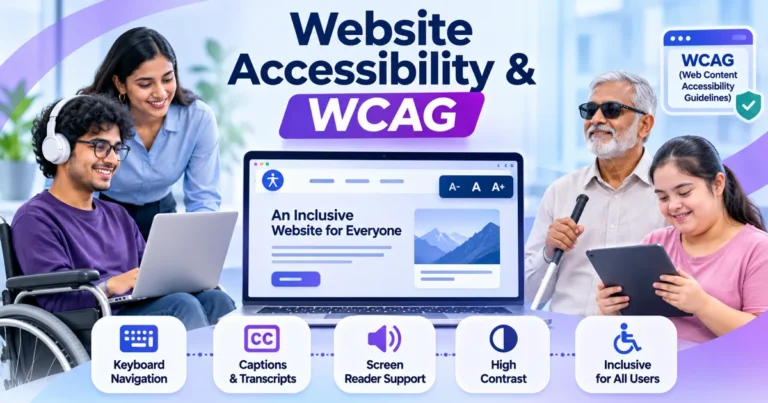
Accessibility helps families with different visual, motor and reading needs. Use sufficient colour contrast, meaningful link names, keyboard-friendly controls and text alternatives for informative images. The W3C Web Content Accessibility Guidelines provide an authoritative framework for evaluating these decisions.
Page speed also affects usability. Compress images appropriately, avoid autoplay videos and test key pages over an ordinary mobile connection. Use Google’s PageSpeed Insights as one diagnostic tool, but judge success by whether parents can actually complete the enquiry journey.
Keep notices, events and parent communication easy to follow
A school website should serve existing families as well as prospective ones. Separate evergreen information, such as curriculum and policies, from time-sensitive updates, such as holidays, examination notices and event schedules. Every notice should have a clear title, publication date and intended audience when that distinction matters.
Create straightforward routes to academic calendars, circulars, school timings and transport information where appropriate. If parents use a separate portal for attendance, homework or payments, explain what the portal is for and link to the official sign-in page. Never expose private student records through a public page.
Prevent outdated information from creating confusion
Archive old announcements without presenting them as current. Check that admission banners, academic-session references, downloadable forms and contact details agree across pages. If a schedule changes, update the main notice and any linked calendar or PDF. Consistency is a service to parents, not just a content-management task.
Turn parent interest into useful conversations
An enquiry form should feel like the beginning of a helpful conversation. Ask for a parent or guardian’s name, a contact method, the child’s intended class and a brief message when needed. Explain what happens after submission and provide an alternative phone or email contact for families who prefer not to use the form.
Track whether enquiries arrive correctly, whether confirmation messages make sense and whether staff can distinguish admission requests from general questions. Use clear consent language before sending promotional messages. A successful website does not merely collect submissions; it makes it easier for school staff to respond with relevant information.
Key takeaways for school leaders
- Place school location, classes and admissions access prominently on the homepage.
- Give admissions, fees and academics their own clear and current explanations.
- Use authentic school information and permitted imagery to build trust.
- Test forms, contact links and notices on a mobile phone.
- Keep public pages separate from private student and parent records.
- Make every enquiry lead to a clear next step for the family.
Frequently asked questions about school websites
Which school website features should be built first?
Start with a clear homepage, admissions information, academics, fees guidance, contact details and required disclosures. These pages answer the questions families are most likely to bring. Add galleries, event calendars and parent portals when the underlying information and maintenance arrangements are ready. Accuracy matters more than a long feature list.
Should an Indian school publish its fee structure online?
A school should follow applicable requirements and its own approved disclosure policy. Where fees can be published, show the current schedule and explain separate charges clearly. If parents must request an official document, provide a direct contact route. Avoid ambiguous statements that leave families uncertain about what a quoted fee includes.
Do school websites need online admission forms?
An online enquiry or application form can make admissions easier, but it is not essential for every school. The important point is to explain the actual application process clearly. If you collect personal details, limit the fields, protect submissions and tell parents how the information will be handled and when to expect a response.
How can a school website earn parents’ trust?
Publish verifiable school information, current policies, genuine photographs and clear academic descriptions. Make staff contact routes and the physical address easy to find. Be accurate about facilities and affiliations, and keep outdated notices out of prominent positions. Parents should be able to confirm important claims without relying on marketing slogans.
How often should school website content be updated?
Update time-sensitive content whenever admissions, fees, calendars, contact details or policies change. Check enquiry forms and important links regularly, especially during admission periods. Academic programme pages may change less often, but they still need review when school offerings change. An older, accurate page is better than a recently edited page with incorrect information.
Build a school website that answers parents with confidence
The best school website features are the ones that help families make informed decisions: clear admissions guidance, accurate academics, practical fee information, trustworthy school details and a straightforward way to get in touch. For principals and owners in India, the goal is not to make the website more complicated. It is to make each parent’s next step easier, especially on a mobile phone.
BlinkWorx offers school and training institute website development services for institutions that want a clearer digital presence. To discuss your school’s needs, contact the BlinkWorx team or start a WhatsApp conversation.