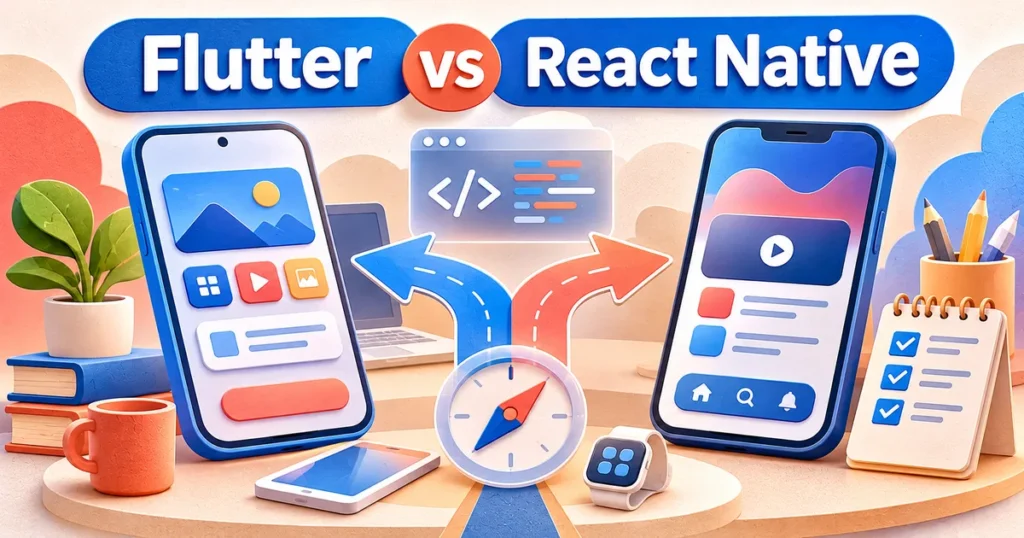
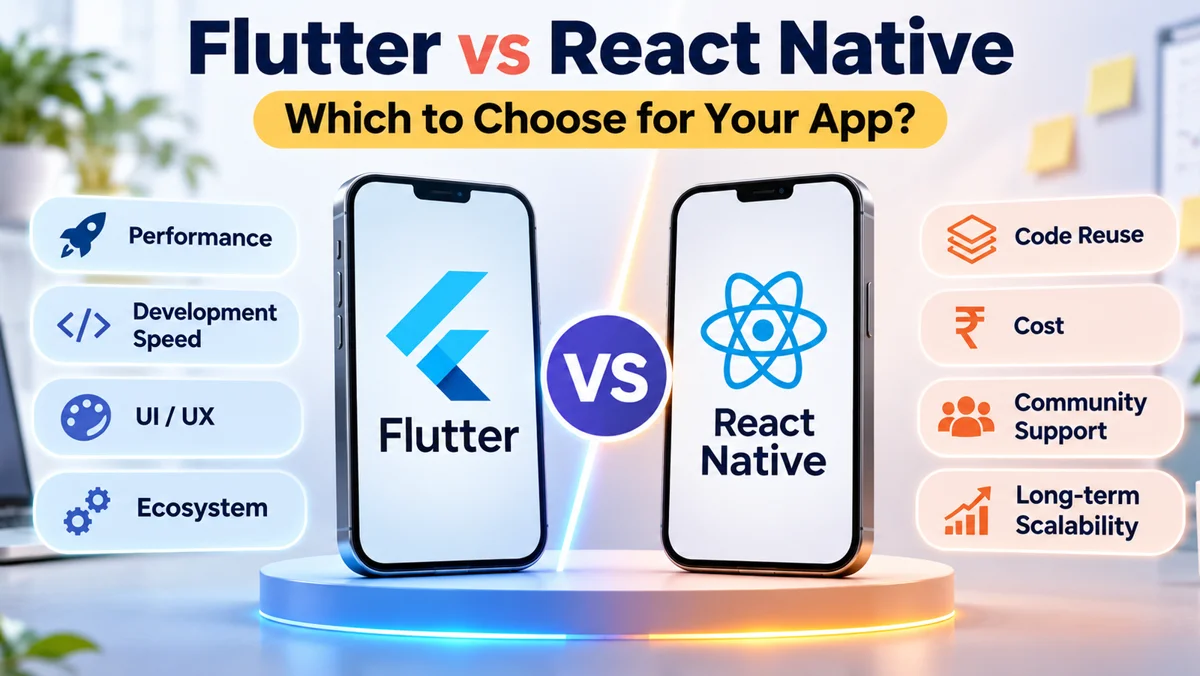
Flutter vs React Native is a decision about how your app will be built, maintained, and improved, not simply which framework is more popular. Both allow teams to create iOS and Android applications from largely shared code. Flutter is often compelling for custom visual design and consistent interfaces. React Native can be a natural choice when your team already knows React and TypeScript. The best option depends on your product experience, integrations, hiring plans, and future platforms.
For founders and product teams, the useful question is not “Which technology wins?” It is “Which technology reduces risk for the app we actually want to ship?” This guide provides a practical way to answer that question without relying on blanket claims about speed or cost.
Flutter vs React Native: What Is Actually Different?
Flutter uses Dart and its own rendering system
Flutter is an open-source framework built around the Dart language. It draws interfaces through its framework and rendering engine rather than depending primarily on the standard native interface controls. That gives designers fine-grained control over layouts, visual effects, transitions, and consistent styling. Flutter also supports applications beyond phones, including desktop and web, although the suitability of each target should be assessed separately.
React Native uses JavaScript or TypeScript with native views
React Native builds mobile interfaces using React concepts and platform-native components. New projects commonly use TypeScript, and developers who already build React applications can reuse much of their programming knowledge. Its modern architecture improves how JavaScript and native functionality communicate, but teams still need to understand native platform behaviour and test integrations carefully.
Neither option means “write once and never touch native code.” Camera permissions, notifications, payments, location services, app-store requirements, and device-specific behaviour can require native configuration or platform-specific work.
How Performance and App Experience Compare
Both technologies can deliver responsive business applications when well engineered. Perceived speed is shaped by startup time, network requests, image handling, long lists, animations, memory use, and the quality of code. A framework name does not compensate for inefficient screens or an overloaded backend.
Where Flutter can be a good fit
Flutter gives teams substantial control over painting and animation. That is useful when an app needs distinctive visual components, complex motion, or a tightly controlled look across platforms. Its Impeller renderer aims for predictable graphical performance. However, plugins, device characteristics, and implementation details still influence real results.
Where React Native can be a good fit
React Native can feel at home in applications built around conventional iOS and Android controls. Its modern architecture and Hermes JavaScript engine are designed for production use. Well-built React Native apps can be smooth and responsive, including applications with content feeds, forms, messaging, and transactions.
For a serious decision, build the same representative screen in both frameworks and measure startup, scrolling, navigation, memory usage, and accessibility on the devices your customers actually use. This is much more useful than an unqualified performance ranking.
Design Freedom, Platform Behaviour, and Accessibility
Start by deciding whether your product should look nearly identical on Android and iOS or follow each operating system’s familiar design language. Flutter can make cross-platform consistency straightforward, particularly for branded dashboards and unusual interactions. React Native often maps naturally to platform conventions, although it can also support distinctive designs.
Neither framework guarantees good accessibility. Test screen-reader labels, keyboard navigation where applicable, text scaling, contrast, focus order, and touch target size. Also inspect how forms, date inputs, permissions, and system navigation behave on both platforms. A beautiful prototype is not the same as a usable production app.
For multilingual products, check font rendering, right-to-left layouts, longer translated strings, and accessibility before selecting a UI approach. These concerns can affect component choices and development effort regardless of the framework.
Developer Skills, Ecosystem, and Long-Term Maintenance
React Native is attractive when your engineering team already works with React, JavaScript, or TypeScript. Developers can reuse familiar state-management patterns, testing practices, and some non-UI business logic. This does not mean a React website can simply be pasted into a mobile application, because navigation, views, gestures, and device APIs differ.
Flutter requires Dart expertise and knowledge of its widget system. A team experienced with Flutter may be more productive in it than a larger team learning React Native from scratch. Look at the developers who will maintain the app, not just those building its first version.
Evaluate libraries for the specific needs of your product: authentication, video calls, maps, offline data, payments, analytics, accessibility, and push notifications. Check plugin maintenance, compatibility with recent platform updates, available support, and the difficulty of replacing a dependency. An appealing package that is no longer maintained can become costly later.
Finally, consider handover quality. Clear architecture, automated testing, source-code access, documented builds, and predictable release processes will matter long after the original developers have left.
A useful maintenance discussion should cover release frequency, testing responsibilities, and what happens when a critical library stops receiving updates. Confirm whether the vendor can reproduce builds independently of individual developers’ laptops. Ask how the app will handle crashes, authentication failures, and compatibility issues when a new operating-system version arrives. These operational details rarely appear in a framework comparison, yet they shape customer trust and the workload of your support team.
If you already operate a web product, distinguish shared business logic from shared interface code. A React-based website may share validation rules and API client patterns with a React Native app, but mobile screens still need separate implementation. Similarly, a Flutter web target should be tested for search visibility, browser experience, and accessibility before it replaces a conventional website. Plan each channel around the behaviour users need there.
Cost, Speed, and What Your Budget Really Pays For
Both frameworks reduce duplicated work across iOS and Android, but neither promises a fixed percentage saving. Total cost includes product discovery, design, backend services, mobile implementation, integrations, quality assurance, accessibility, release management, monitoring, and ongoing updates.
Delivery speed is influenced by team familiarity, product scope, reusable components, API quality, and vendor capability. A Flutter specialist can deliver faster than a React Native beginner, and the reverse is equally possible. Ask vendors to estimate the same product scope with explicit assumptions rather than comparing different proposals on headline cost alone.
Budget for what happens after launch. Operating-system changes, security patches, package upgrades, customer requests, and app-store policies create recurring work. If you need web, tablet, or desktop applications too, estimate those targets separately instead of assuming all code and UI will automatically be shared.
Flutter vs React Native: A Decision Table for Product Teams
| Decision factor | Flutter tendency | React Native tendency |
|---|---|---|
| Languages | Dart | JavaScript / TypeScript |
| Interface strategy | Custom rendering and consistent design | Native controls and React-based UI |
| Existing team | Good if Dart/Flutter is available | Good if React/TypeScript is available |
| Custom animations | Strong built-in design control | Possible with suitable libraries and expertise |
| Native integrations | Plugins or platform code | Libraries or platform code |
| Web and desktop | Supported targets; assess suitability | Separate ecosystem choices; assess each target |
| Project cost | Depends on team and scope | Depends on team and scope |
A Practical Framework Selection Checklist
Before committing to either stack, ask your product and engineering teams to answer the following questions with evidence rather than assumptions:
- What are the three most important user journeys, and have we prototyped them?
- Does the design require highly customised motion or mostly standard platform controls?
- Which iOS and Android versions and devices must the app support?
- What native integrations are essential, and are their libraries actively maintained?
- Does the team already have strong Flutter or React Native experience?
- Will we need offline features, background processing, or heavy media handling?
- Can we test accessibility, performance, and reliability on real devices?
- Who will own source code, build pipelines, documentation, and future releases?
Use a small proof of concept for the highest-risk feature, not an elaborate sample home screen. For example, test the video player, offline synchronisation, payment handoff, or animation that would be hardest to replace later. A credible technical recommendation should refer to that experiment.
Key Takeaways and Five Frequently Asked Questions
- Both frameworks can support production mobile apps; neither is universally better.
- Flutter is worth considering for highly tailored and visually consistent experiences.
- React Native can fit teams already fluent in React and TypeScript.
- Performance and total cost depend more on implementation and product scope than slogans.
- A focused proof of concept and maintainable architecture reduce long-term risk.
Is Flutter better than React Native for startups?
Not automatically. Flutter may suit a startup with a distinctive interface and developers comfortable with Dart. React Native may suit a team that already knows React and TypeScript. Compare the first product release, critical integrations, likely hiring needs, and maintenance plan before committing to either framework.
Which framework is faster for app development?
Development speed depends on familiarity, reusable components, third-party integrations, and how clearly the product is defined. Both support rapid iteration. Request estimates for the same screens, backend work, testing, and release tasks, then consider a small technical prototype to compare actual delivery effort.
Can Flutter and React Native both build Android and iPhone apps?
Yes. Both are commonly used to create applications for Android and iOS with a substantial shared codebase. Some functionality still needs platform-specific setup or native code. Teams must test permissions, payments, notifications, layouts, and store submissions on both operating systems rather than assuming identical behaviour.
Does React Native cost less than Flutter?
There is no reliable universal cost advantage. A company with an experienced React Native team may spend less using familiar skills, while a Flutter specialist may complete a custom interface more efficiently. Compare total ownership costs, including updates, dependencies, testing, recruitment, and ongoing support, not only initial development.
Should we switch an existing app from one framework to the other?
A rewrite is rarely justified by trends alone. Consider switching only when there are specific problems such as unmaintained dependencies, persistent performance limitations, or costly development constraints. Estimate migration, lost features, testing, and launch risk against improving the current application incrementally first.
Choose the Framework That Fits Your Product
The Flutter vs React Native choice should follow the product strategy. Flutter is an appealing option for custom visual experiences and cross-platform design consistency. React Native is compelling for organisations with React and TypeScript experience and a preference for native platform conventions. Both demand strong engineering, reliable integrations, and careful testing.
Rather than making this decision from a comparison chart alone, evaluate a representative workflow, confirm who will maintain it, and check the long-term roadmap. That approach gives founders a clearer path from promising prototype to dependable application.
BlinkWorx can help evaluate the right architecture and delivery approach through its mobile app development services. Discuss your goals through the contact page or WhatsApp. For a detailed look at services and app delivery options, explore our mobile app development services for businesses.
Official references: Flutter architectural overview and React Native TypeScript documentation.