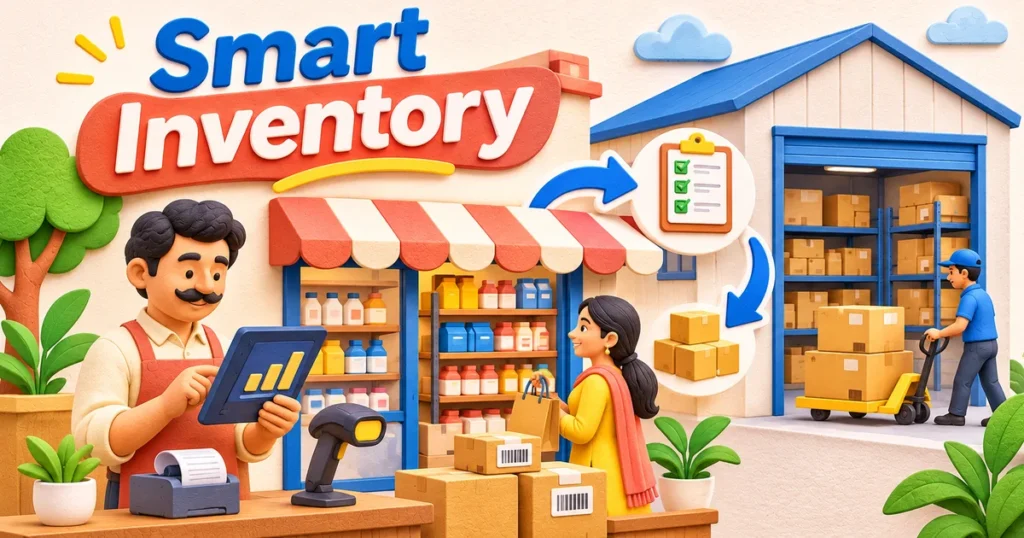
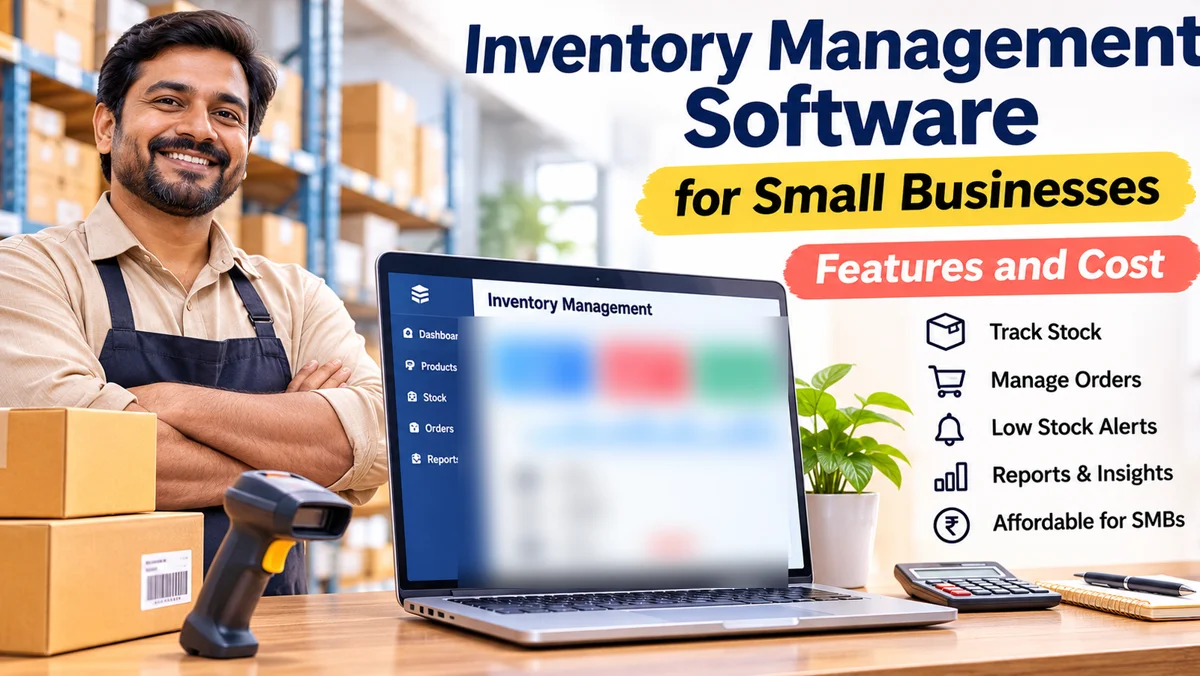
Inventory management software for small businesses helps Indian shop owners, wholesalers and growing sellers track stock, purchases and sales without depending on scattered registers or spreadsheets. The right system shows what is available, what is running low and what needs to be ordered. Its cost depends on the number of users and locations, billing needs, integrations and whether you buy an existing product or commission custom software.
For a neighbourhood retailer, simplicity may matter most. For a distributor handling multiple godowns, batch tracking, purchase approvals and accurate stock transfers can be more important. This guide explains the features worth paying for, where costs arise and how to shortlist a practical solution.
Why Small Businesses Need Better Stock Visibility
A stock register records what someone entered. A reliable inventory system connects stock movements to actual business actions: purchases, returns, sales, transfers, damage and adjustments. When those events are recorded consistently, owners can make buying decisions using a more dependable picture.
Consider a shop that sells through its counter and also accepts orders by phone. If the same item is promised twice because updates are delayed, the business may disappoint a customer or purchase stock urgently at an unfavourable time. Inventory software is not a guarantee against mistakes, but it makes gaps easier to notice.
Look for a straightforward workflow that staff can follow during busy hours. A complicated system abandoned by the billing counter offers less value than a modest one used accurately every day.
Essential Inventory Management Software Features
Not every business needs a warehouse-grade platform. Start with the tasks that occur frequently and the decisions that currently require guesswork.
Product catalogue and accurate stock movements
Each item should have a clear name, stock-keeping unit (SKU), unit of measure and category. Useful options include variants such as size or colour, opening stock, purchase cost, selling price and a record of why quantities change. Businesses selling loose goods should check support for the units they actually use.
Purchases, suppliers and reorder alerts
The system should record purchase orders, goods received, supplier details and purchase returns. Low-stock notifications are helpful only when reorder levels reflect supplier lead times and actual demand. A reorder suggestion should be adjustable rather than treated as an automatic buying instruction.
Sales, returns and barcode workflows
Sales should reduce available stock correctly, and returns should have a defined path back into sellable, damaged or inspection stock. Barcode scanning may speed up repetitive work, but it still requires well-maintained product labels and sensible item identification.
Useful reports, not overwhelming dashboards
Practical reports include stock on hand, stock value, slow-moving items, purchase history, item movement and differences discovered during physical counts. Reports should let the owner inspect the underlying transactions, not simply view colourful charts.
| Feature | Why it matters | Who should prioritise it |
|---|---|---|
| Stock ledger | Explains every addition and deduction | All stock-based businesses |
| Low-stock alerts | Supports timely replenishment | Retailers and spare-parts shops |
| Variants and batch tracking | Distinguishes similar items and lots | Apparel, food and selected wholesalers |
| Multiple locations | Tracks stock between outlets or godowns | Growing retailers and distributors |
| Billing integration | Reduces duplicate sales entry | Shops with frequent counter sales |
| Role permissions | Limits accidental or unauthorised changes | Teams with several operators |
Inventory Workflows That Matter in India
GST-aware billing is not the same as e-invoicing
Indian businesses may need GST-compatible invoices, HSN or SAC details, tax rates, credit notes and reports that can be reconciled with accounting records. Ask the vendor which fields, workflows and exports are supported, rather than accepting a general “GST-ready” claim.
GST e-invoicing is a separate legal requirement that applies to specified taxpayers and transactions. It is not automatically mandatory for every small shop. The official GST e-invoicing portal explains eligibility and invoice registration: official GST e-invoicing portal. Confirm your own obligations with a qualified tax adviser.
Multi-channel sales and stock transfers
Businesses taking orders at a counter, through a website and over messaging apps need a consistent policy for reserving and releasing stock. If online orders do not synchronise, define who reconciles pending orders before staff promise availability. For multiple branches, check that transfers show dispatch, receipt and stock in transit.
Damaged stock, expiry and physical counts
A usable system must handle reality: broken goods, missing pieces, expiry dates where relevant and supplier short-deliveries. Ask for a demonstration of stock adjustments and periodic counts. A strong audit trail should record what changed, when and under which staff login.
What Determines Inventory Software Cost?
There is no reliable universal price for inventory management software in India. Subscription plans, one-time licences and custom projects use different pricing models, while seemingly similar products may include different limits and support arrangements.
The visible software fee
An off-the-shelf provider may charge according to users, branches, product volume or selected modules. Before comparing quotes, check whether billing, barcode support, reporting, backups, mobile access and software updates are included. A low entry price can become less attractive when essential capabilities are add-ons.
Implementation and migration
Entering opening stock, correcting duplicate SKUs, importing supplier records, configuring taxes and training counter staff all take effort. Some vendors handle onboarding; others expect the customer to do the work. Ask how imports are validated and what happens when existing stock quantities disagree.
Hardware, integrations and ongoing care
Barcode scanners, label printers, point-of-sale devices and network upgrades may be needed. Accounting integrations, online store synchronisation, backup arrangements, custom reports and priority support can also affect the full ownership cost. For custom software, allow for testing, hosting, security maintenance and future improvements.
Compare solutions on the full workflow you need, the work required to go live and the ongoing support arrangement. Do not choose solely on a monthly headline price.
Ready-Made Software or a Custom Inventory System?
Ready-made inventory software often makes sense for a single shop or a business with familiar purchase-and-sale processes. It can provide faster setup, standard reports and a predictable product roadmap. The trade-off is that unusual workflows may have to adapt to the software.
A custom system becomes more interesting when the business has specialised approval steps, complex product variants, several order sources or important integrations that standard tools handle poorly. Custom development offers control over the workflow but introduces requirements for documentation, testing and long-term maintenance.
For example, a distributor may require customer-specific price lists, inter-warehouse transfers and restricted access for sales representatives. The decision should reflect whether those workflows are truly essential and whether a standard product can support them without fragile workarounds.
BlinkWorx can help businesses assess workflows and plan custom inventory management software when off-the-shelf tools do not fit the way orders and stock actually move.
How to Evaluate a System Before Buying
Use a real product list and a short set of genuine transactions for a demonstration. Include a purchase, partial receipt, counter sale, sales return, damage adjustment and end-of-day stock report. Ask the vendor to show exactly what the screen displays after each event.
For a team that works with unreliable connectivity, ask how the software behaves offline and how it handles sync conflicts. For an owner who travels, test the mobile experience and whether sensitive stock edits can be restricted.
☐ The software supports our actual units, product variants and stock locations.
☐ Employees can complete regular sales and goods-received tasks comfortably.
☐ Stock changes can be traced to a transaction and a user.
☐ We can export our product, supplier and transaction data if we leave.
☐ Billing and tax workflows fit our verified compliance requirements.
☐ The vendor explains migration, training, backups, support and updates.
☐ The written quote identifies optional modules and recurring charges.
Before rollout, reconcile a sample of physical stock against the imported opening balances. Train staff using realistic transactions, and decide how corrections will be approved. The goal is trustworthy records, not merely a successful installation.
Key takeaways
- Prioritise accurate stock movements over an impressive-looking dashboard.
- Look for purchasing, returns, alerts and reports that reflect daily operations.
- GST billing features and statutory e-invoicing obligations are not identical.
- Evaluate subscription, onboarding, integration and support costs together.
- Choose custom software only when important workflows justify the added responsibility.
Frequently Asked Questions About Inventory Software
Is inventory software useful for a small retail shop?
Yes. Even a single-location shop can benefit when staff handle many product variants or struggle to reconcile daily sales and stock. Begin with stock tracking, purchases, sales and basic reporting. The software should reduce missed updates rather than introduce complicated procedures that staff cannot follow consistently.
Does inventory management software include GST billing?
Some systems include billing and tax fields; others integrate with a separate accounting or point-of-sale application. Ask the vendor to demonstrate the invoices, returns, credit notes and reports you require. GST e-invoicing has its own applicability rules, so do not assume every GST billing feature satisfies every obligation.
Should I choose cloud-based or offline inventory software?
Cloud systems can simplify access across locations and devices, provided connectivity and account security are managed. Offline systems may suit shops with unstable internet. Some products combine both methods, but synchronisation behaviour varies. Test what happens during internet interruptions, duplicate entries and eventual data syncing before deciding.
What affects the cost of a custom inventory management system?
Cost depends on workflow complexity, branches, users, permissions, mobile access, integrations, migration and support expectations. A simple stock ledger is different from a platform handling multiple warehouses and online orders. Request a feature-based proposal with clear deliverables, testing responsibilities, hosting arrangements and terms for future changes.
Can inventory software stop stock loss completely?
No. Software improves visibility but cannot prevent every counting error, theft, damage or incorrect entry. Combine it with physical counts, restricted permissions, approvals for adjustments and a clear returns process. The biggest benefit comes when the digital record and the actual movement of goods are kept consistent.
Choose Software That Fits the Way Your Stock Moves
The best inventory management software for a small business is not necessarily the one with the most features. It is the system your team can use accurately across purchases, sales, returns and stock counts. Start with essential workflows, compare the full cost and test real transactions before committing.
If standard tools cannot handle your business rules, explore BlinkWorx’s inventory management system development services. You can contact BlinkWorx for a project discussion or message the team on WhatsApp to explain your products, locations and current stock challenges.